Sell tickets with one link
Paste the link into your Facebook event or group chat. Guests book in a minute and pay by card, Apple Pay, PayPal or bank transfer. The money goes straight to you, and the door list is on your phone.
Sign in with Google or your email. It takes two minutes and costs nothing to try. Already have an account? Sign in
Prefer a hand setting up?
Made for the way you already run events
Two minutes, from your phone
One screen: title, date, price. Save it and you have a link. No setup wizard, no venue database, nothing to install.
Card, Apple Pay, PayPal or bank transfer
Connect your own Stripe account to take cards: bookings confirm by themselves and the money is yours from the start. Or take transfers and PayPal with nothing to connect.
English, Русский, Українська
You choose the language of each event page. Your own screens come in all three as well.
A door list that works in a dead spot
Scan the ticket or search the name. Ticks are saved on your phone and sent when the signal returns.
Pictures ready to post, and a ticket for every guest
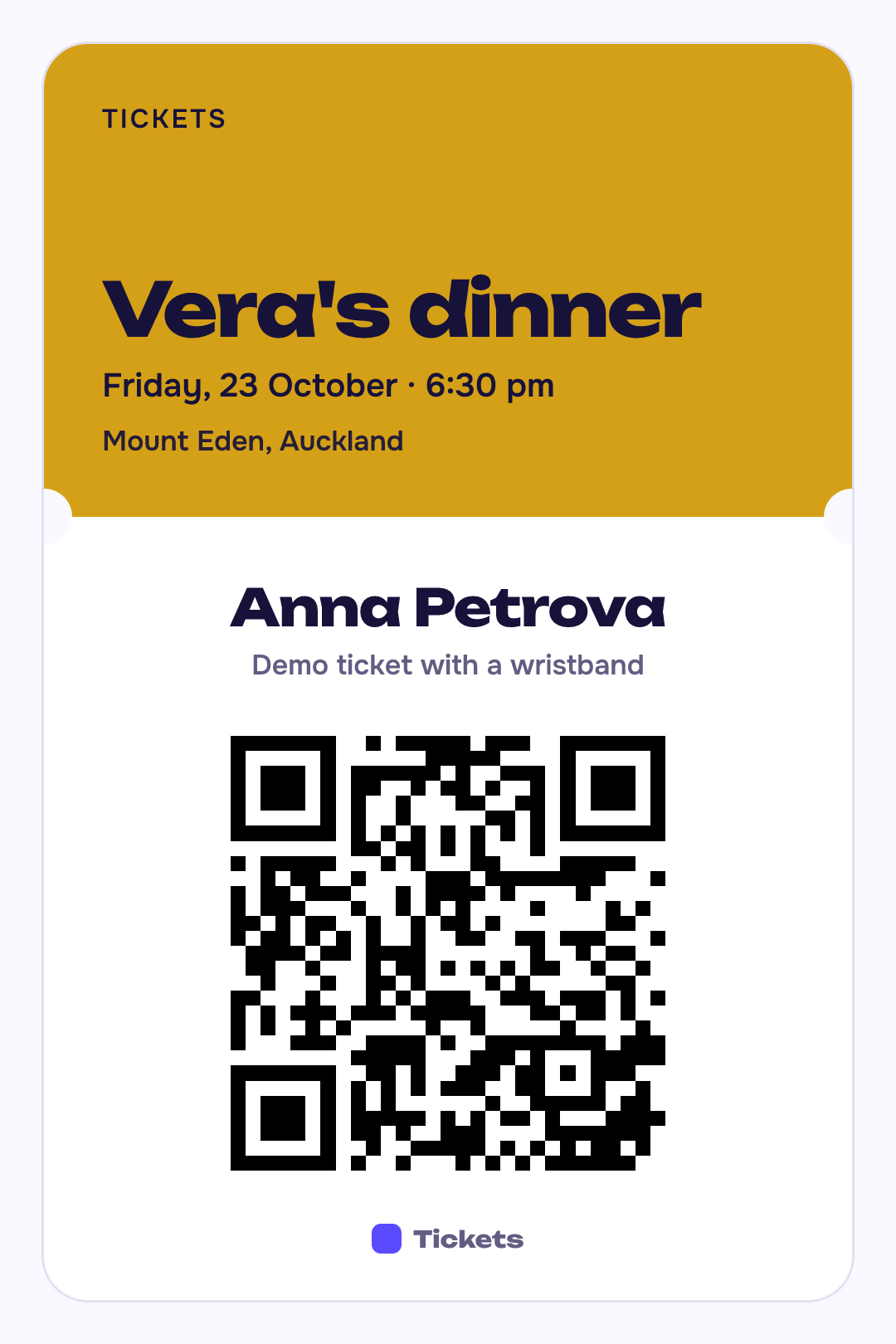
Every event gets its pictures in its own colour and language: a QR ticket for each guest, and a story, a square post and a Facebook event cover for you. Nothing to design.



Prefer bank transfer? Your statement, matched for you
A transfer costs you no card fee. Guests type a short code when they pay. Paste the statement and every line finds its guest. You tap to confirm; nothing is confirmed without you.
For your guests
- Open the linkFrom a Facebook post, a chat message or a poster. No account and no password.
- Choose ticketsName and email, and the names of friends if they are bringing any.
- PayBy card or Apple Pay on Stripe's secure page, confirmed at once. Or by bank transfer or PayPal, where the organiser offers them; the place is held while the money arrives.
- Get the ticketA QR ticket by email, to keep in Apple Wallet or as a picture, with a calendar entry and a map link. A reminder comes the day before.
From idea to door in four steps
- Create the eventTitle, date and price are all you need. Add a photo, a limit on places, or several ticket types if you want them.
- Share the linkIt shows a proper preview card in Facebook. You also get ready-made post text and a QR code for a poster.
- Get paidCard payments confirm by themselves. For bank transfers, guests see your account, the exact amount and their reference, and you confirm from a list that is already matched.
- Open the doorEveryone has a QR ticket, by email and in their phone's wallet. Scan it, or just ask the name.
Also there when you need it
- A refund rule you set: full, part or none
- Early-bird prices, promo codes and a group discount
- Gift tickets, and passing a ticket to a friend
- Ready-made pictures for social media and a poster with a QR code
- A waitlist that offers freed places automatically
- A minimum number of guests for the event to go ahead
- A reminder to guests the day before
- One message to all your guests
- Duplicate for next week in one tap
- A report and a spreadsheet after the event
- Co-organisers who can run the door
Pricing
Free for free events. A small fee per paid ticket, which the guest pays unless you choose to cover it.
Free events
$0
No fee, however many guests.
Paid tickets
3% + $0.30 per ticket
Added to the guest's total by default, so you receive your full price. You can absorb it instead.
Running something soon?
Create the event now and share the link tonight.
Create your first event